Welcome to the New and Improved ESRB Mobile App
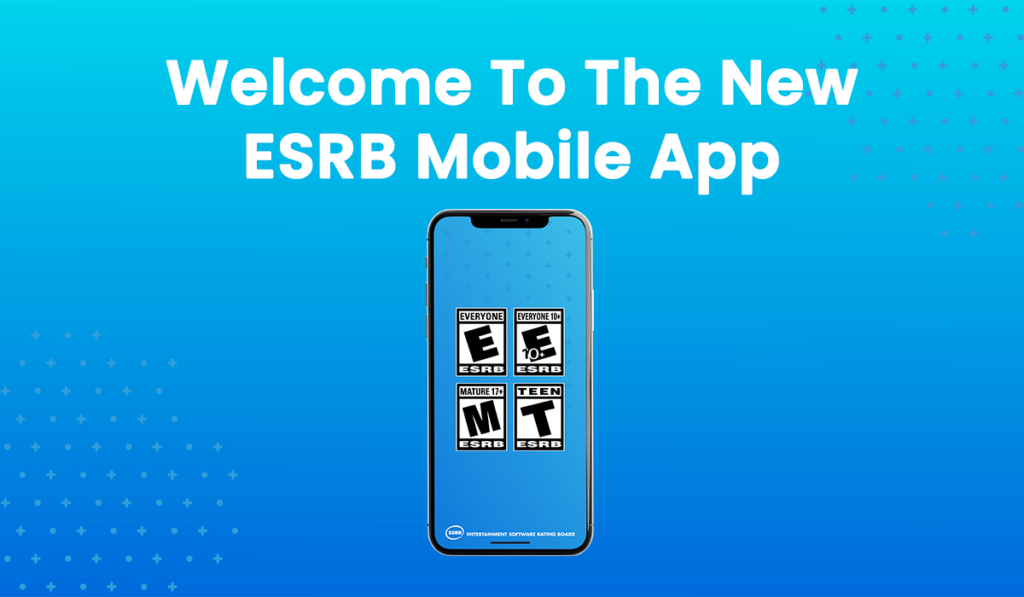
Today ESRB is launching an exciting update to the ESRB Mobile App that makes it easier than ever for parents to get the information they need to help manage their kids’ video game experiences. Kids all over the country adding video games, consoles, and game accessories to their holiday wish lists. Parents not only need access to age and content rating information at their fingertips, but also comprehensive resources to help create an appropriate and positive video game environment for their kids.
With the new ESRB Mobile App, parents can:
Search for ESRB-Assigned Rating Information
Video games are a huge attraction for kids of all ages! Now more than ever, it’s important that parents can access rating information quickly and with ease! The ESRB Mobile App continues to allow parents to search for age and content ratings assigned to physical video games. This includes Rating Categories, Content Descriptors, Interactive Elements, and Rating Summaries (if assigned).

Start a Conversation with ESRB’s Family Gaming Guide
The best way for parents to manage their kids’ video game experiences is to stay involved. To help, ESRB’s Family Gaming Guide is now available on the ESRB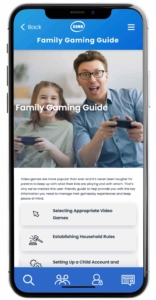 Mobile App. The Family Gaming Guide provides easy access to information that can help start an open-ended, judgement-free family conversation about video games.
But a conversation is just the first step! The Family Gaming Guide also outlines simple tips so parents can establish household rules around managing screen time, online communications, and more. Perhaps most importantly, the resources found in the Family Gaming Guide will help parents get some peace of mind knowing their kids are set up for fun and age-appropriate video game experiences.
Find Step-By-Step Parental Controls Guides
 It’s always a good idea to back up household rules by setting parental controls. The ESRB Mobile App makes accessing ESRB’s free step-by-step parental controls guides quicker than ever.
From consoles and computers to smartphones and tablets, every video game device offers parental controls. These help parents and caregivers manage what their kids play, when and for how long, with whom, and how much (if any) money they can spend on in-game purchases.
Read the ESRB Blog
 Sometimes it’s helpful to have a little more information about specific video games, services (like Discord and Twitch), and devices (like a new video game console). The ESRB Mobile App includes direct access to the ESRB Blog, which is regularly updated with new information on new and long-running games, tips to manage online play, and other useful information to help parents stay involved with their kids’ video game experiences.
More to Come!
We’ll continue to add more features and resources to the ESRB Mobile App in the future. Make sure you visit the Google Play Store or the Apple App Store and download the app so you can stay up to date on the latest insights to help keep your kids’ video game experiences appropriate, wherever you are.
 Patricia E. Vance is the president of the Entertainment Software Rating Board (ESRB). In her position, she leads the teams responsible for assigning age and content ratings to video games and apps, enforcing marketing guidelines adopted by the video game industry, and operating ESRB Privacy Certified, an FTC-sanctioned COPPA Safe Harbor Privacy seal certification program.